cart-plusIn Game Products

Consumables and game passes are created in similar ways but have slightly different use cases!

Product Types

Game Passes

Use game passes for persistent one-time purchases:

  • Unlocking admin passes

  • Permanent power ups/abilities

  • Buying houses

Consumables

Use consumables for products you want people to be able to buy multiple times:

  • Health potions

  • Buffs that expire over time

  • One time in-game coin purchases

Creating Products

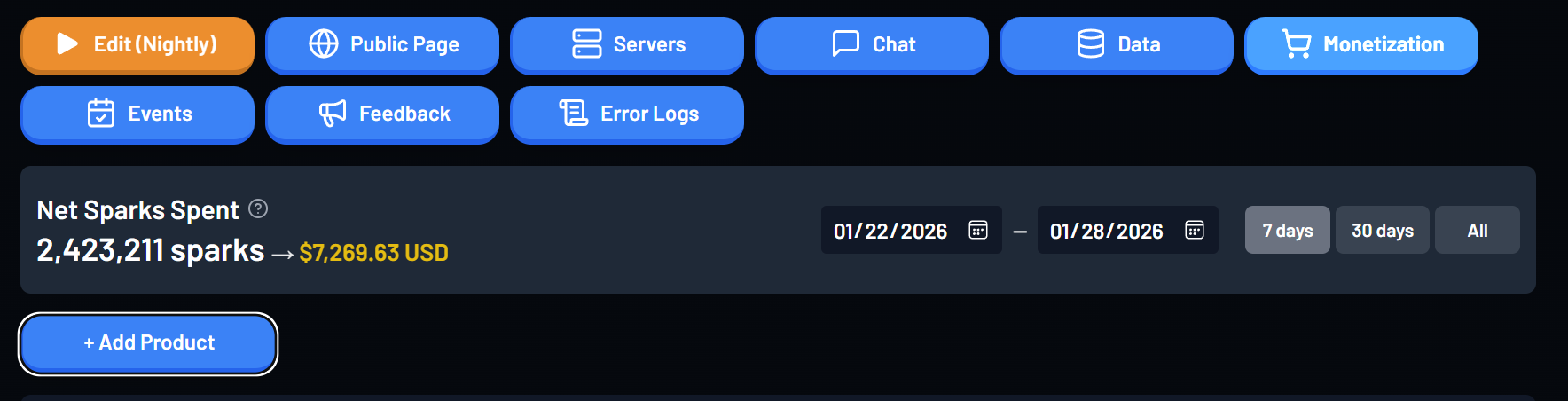
To create a product click the "+ Add Product" button on the Monetization tab of your game's Creator Portal
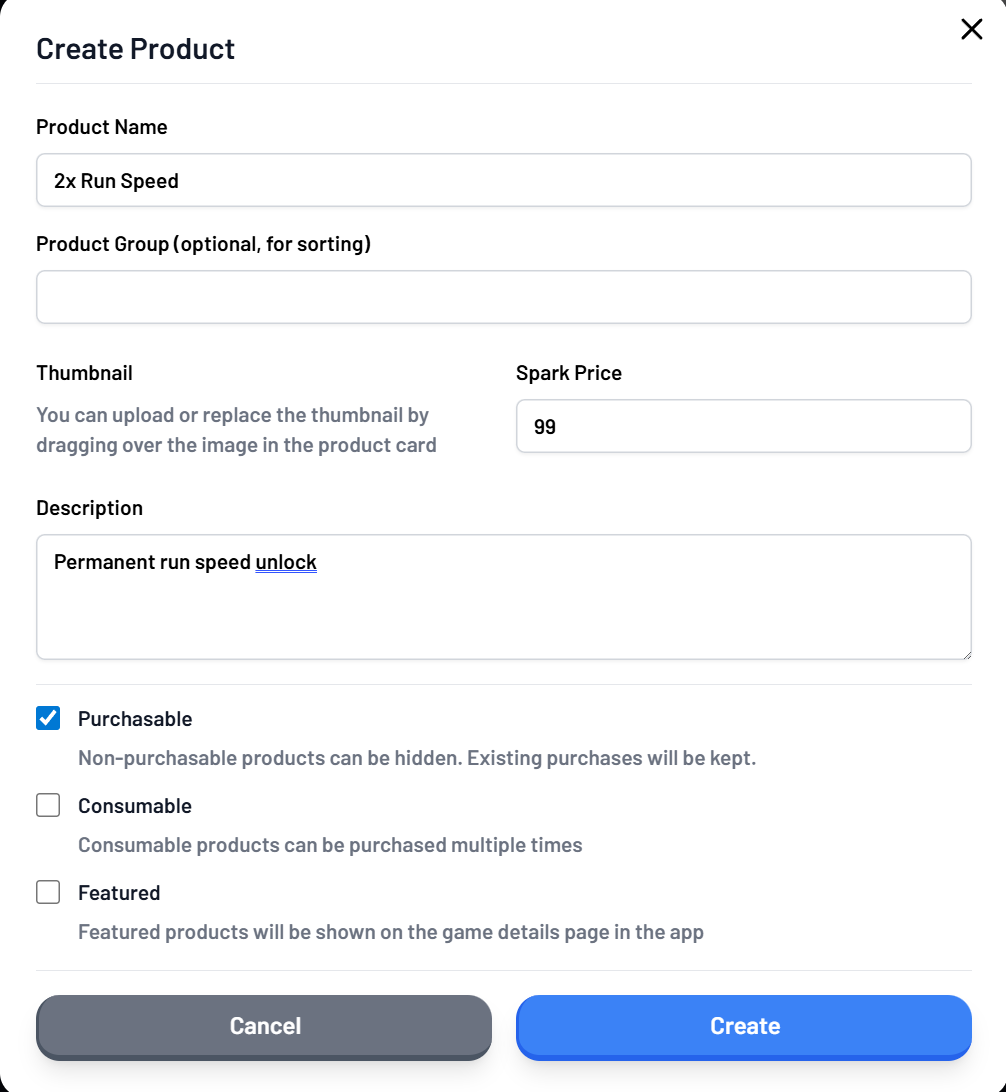
If the consumable box is not checked this will be a "Game Pass"
circle-exclamation

Understanding the products list

The products list displays the names of all your products along with some helpful items:

  • The number of sparks spent (and the total number of sales hovering the ? icon)

  • An estimate of the amount of revenue each generated

  • The ID of the product (can click to copy to place in your game code for purchasing)

  • The number of "Grant Failures"

Purchase Handlers / Grant Failures

When a user buys a product in your game, we run the "purchase handler" function you've defined in your game code.

Your purchase handler will normally grant an item or feature to a player based on which product ID they bought.

However, if your purchase handler fails (for example if their inventory was full and you didn't handle that scenario) it will count as a "grant failure" and be displayed in the Products page on the creator portal so you can fix the issue.

Grant failures will be automatically retried each time the player joins until they succeed.

If your purchase handler was successful, but for some reason the user lost the item due to a game bug or otherwise, you can re-run the purchase handler for that user by marking the purchase as ungranted in the Editing/Viewing Player Data"Purchases" section.

Last updated