> For the complete documentation index, see [llms.txt](https://docs.allout.game/llms.txt). Markdown versions of documentation pages are available by appending `.md` to page URLs; this page is available as [Markdown](https://docs.allout.game/creator-portal-web/managing-servers-updates.md).
# Managing Servers/Updates
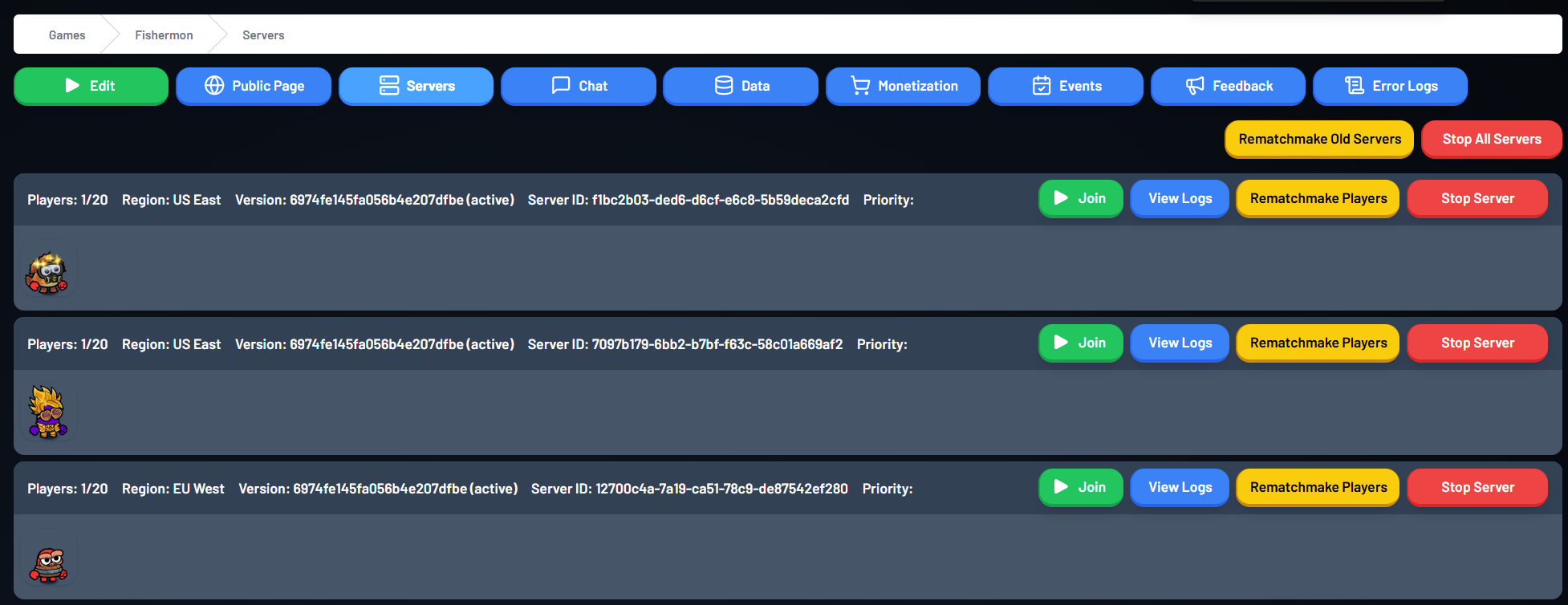
You can view all the servers/instances of your game currently running from the "Servers" tab of the Creator Portal.
### Releasing Updates/Rematchmaking
When you upload a new version of your game with **Set Active Now** enabled, All Out will automatically route new players to the latest version. Existing servers keep running their current version until they end or you take an action on them.
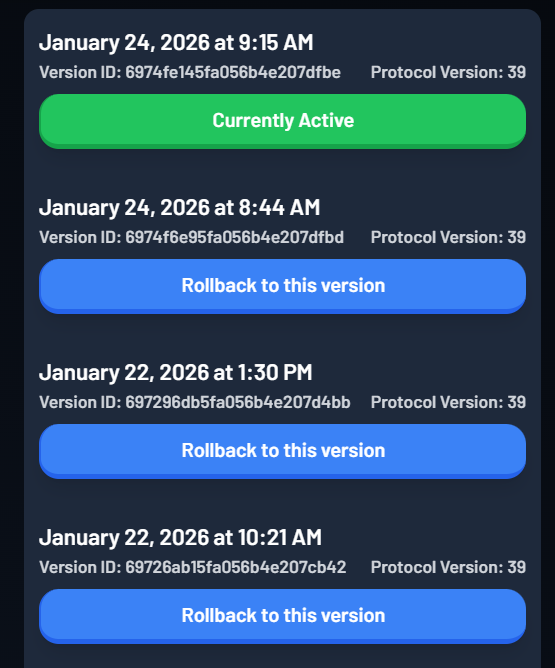
You can view the currently active version of your game and the time it was published from the main creator portal page:
You can one-click rollback to prior versions of your game
A previous version can be made active again with one click. This changes the version used by new sessions, but does not move players who are already on a server.
If you're releasing an important update and you'd like to shift all players to the new version immediately, press **Rematchmake Old Servers**.
Players on old servers will re-enter matchmaking for the active version. Clients may reconnect or reload, and session-only state may not carry into the new server, so test the rematchmaking flow before using it during a large release.
### Stopping Servers
If for any reason you need to shut off servers, press **Stop All Servers** or select **Stop Server** on a particular instance card. Stopping a server disconnects its players and can discard state that has not been saved to persistent storage.