> For the complete documentation index, see [llms.txt](https://docs.allout.game/llms.txt). Markdown versions of documentation pages are available by appending `.md` to page URLs; this page is available as [Markdown](https://docs.allout.game/data-and-persistence/editing-viewing-player-data.md).
# Editing/Viewing Player Data
You can view and edit save data you've written for players at any time from the creator portal!
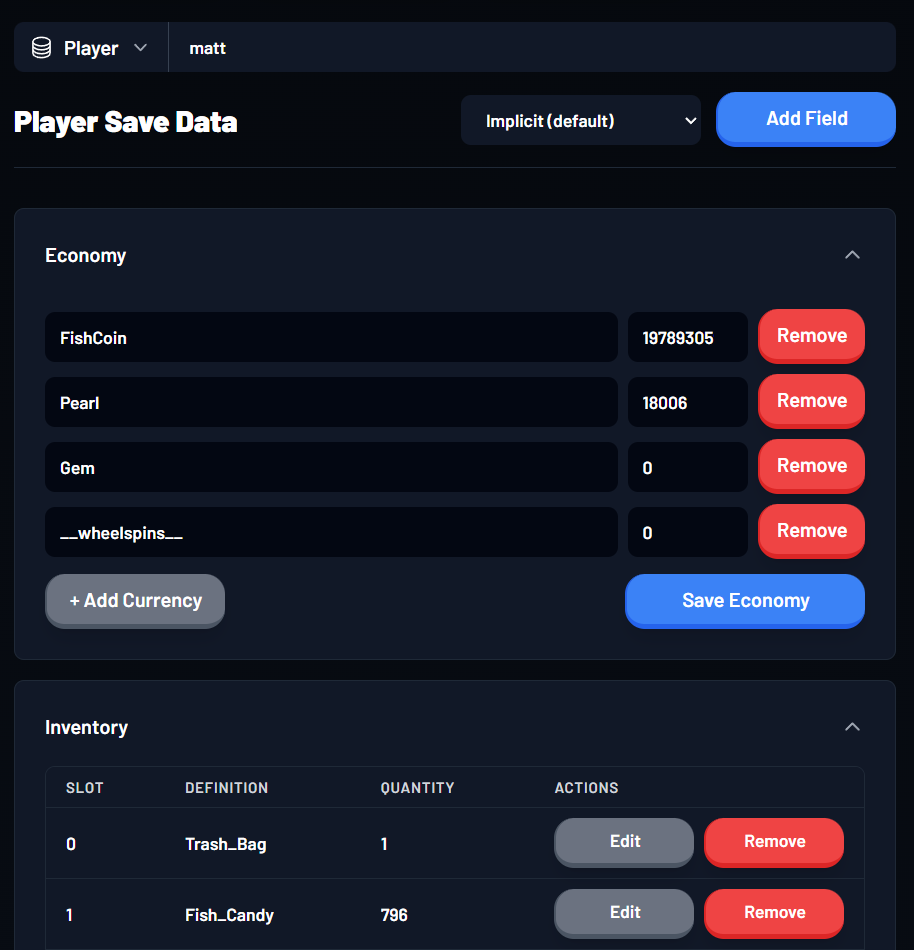
### Player Scoped Data
All of a player's save data in one place including
* Any [Economy](/data-and-persistence/economy.md) currency values for that player
* Any persisted [Inventory](/core-engine-concepts/inventory.md) items for that player
* Any custom save data you've persisted for that player
Select **Player** and enter a username or user ID. Use **Add Field** only with a key and value type that the game already understands.
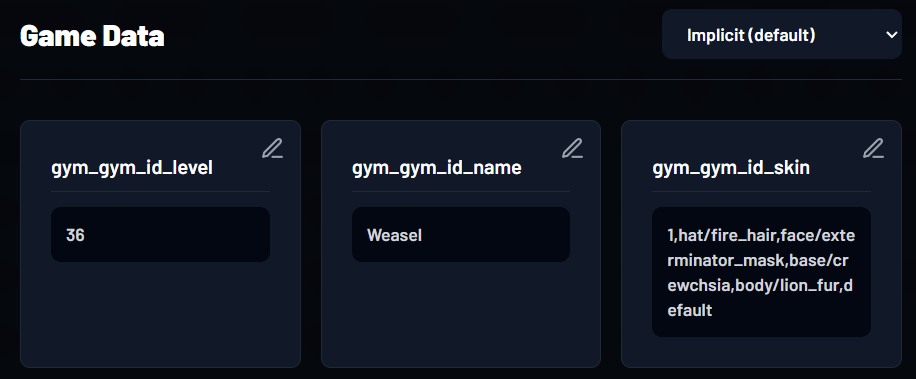
### Game Scoped Data
View and edit global game keys you've set with APIs like \`Save.set\_game\_string\`. Use the edit control on a key, change its value, and save.
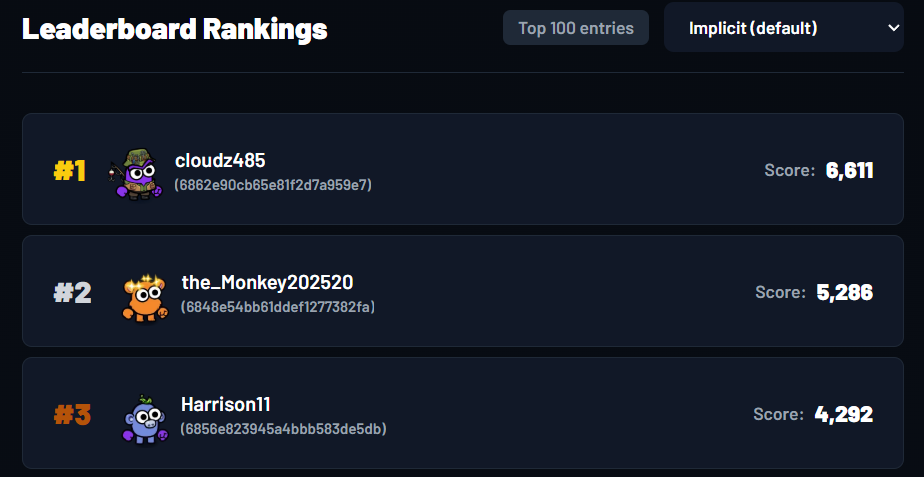
### Leaderboards
{% hint style="info" %}
Leaderboard scores cannot currently be edited in the web interface
{% endhint %}
The leaderboard view shows the top entries for the selected dataset.
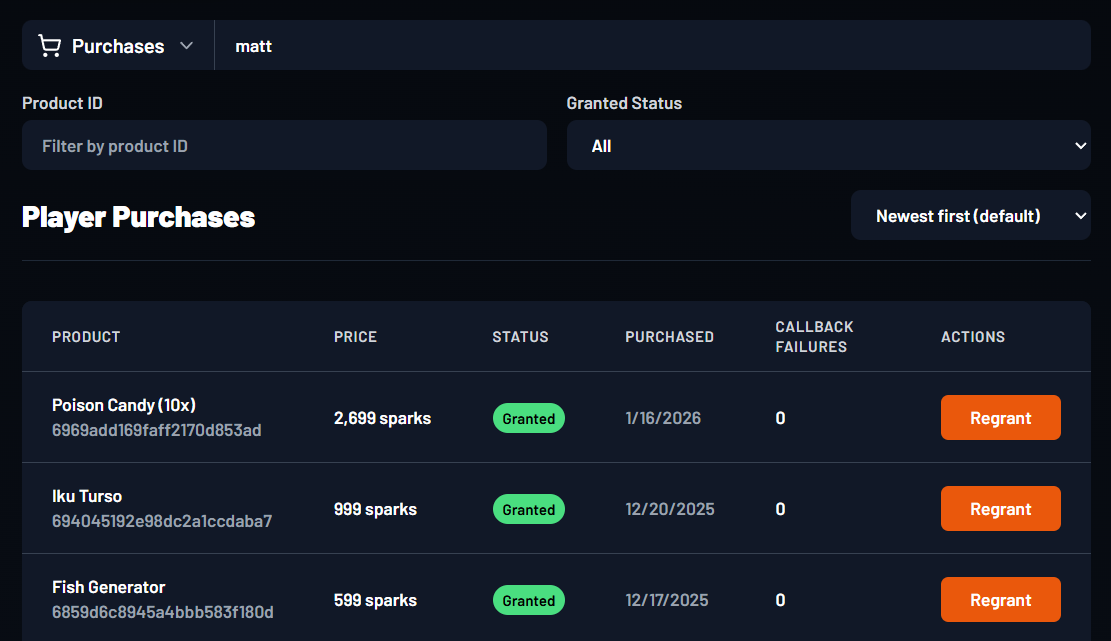
### Purchases
Select **Purchases**, enter a player, then filter by product or grant status. Use **Regrant** only when the game's purchase handler can safely run again.
See [Purchase Handler and Grant Failures](/core-engine-concepts/purchasing-product-apis.md#the-purchase-handler-granting) before changing a purchase record.